> For the complete documentation index, see [llms.txt](https://docs.overthereality.ai/over-sdk-manual/llms.txt). Markdown versions of documentation pages are available by appending `.md` to page URLs; this page is available as [Markdown](https://docs.overthereality.ai/over-sdk-manual/over-visual-scripting-legacy/nodes/flow/main-unity-events.md).
# Main Unity Events
### Description
This collection of [OverNode](/over-sdk-manual/over-visual-scripting-legacy/visual-scripting-essentials/overnode.md)s is used to describe the main flow of the [OverGraph](/over-sdk-manual/over-visual-scripting-legacy/visual-scripting-essentials/overgraph.md). The following nodes are directly connected to the Unity3D Monobehaviour of the [OverScript](/over-sdk-manual/over-visual-scripting-legacy/visual-scripting-essentials/overscript.md), to which the Graph refers.
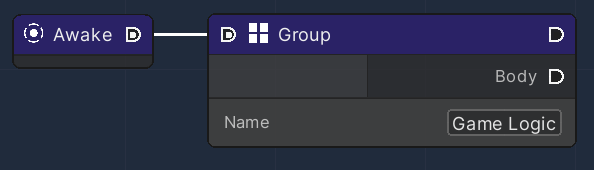
#### Awake
Awake is called once when the script instance is being loaded – exactly once in the lifetime of the script.
It is commonly used to describe the logic that should be executed before the first frame is played, acting as a general initialization stage of the script.
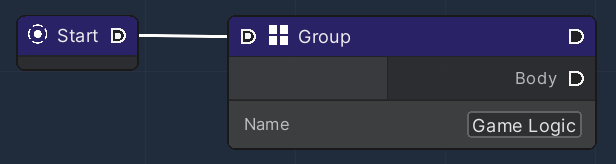
#### Start
Start is called once on the frame when a script is enabled just before any of the Update methods are called the first time.
However, Awake is called when the script object is initialized, regardless of whether or not the script is enabled.
It is commonly used to describe the logic that should be executed on the first frame, acting as a general initialization stage of the script.
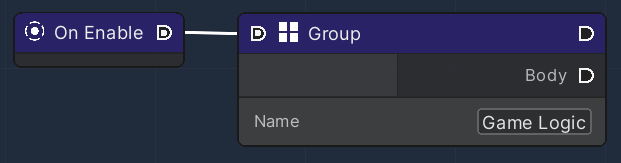
#### OnEnable
This function is called when the object becomes enabled and active.
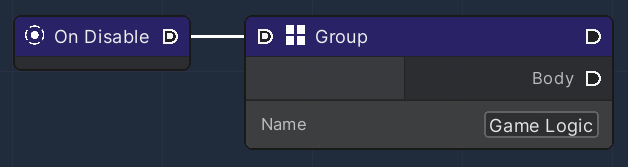
#### OnDisable
This function is called when the object becomes disabled.
This is also called when the object is destroyed and can be used for any cleanup code. When scripts are reloaded after compilation has finished, OnDisable will be called, followed by an OnEnable after the script has been loaded.
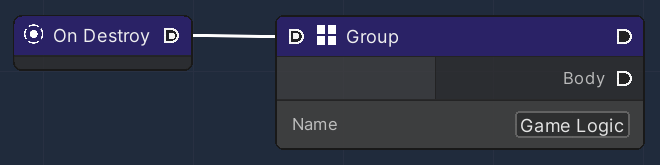
#### OnDestroy
This function is called when the object is destroyed.
This also occurs when a Scene or game ends. Called always after OnDisable.
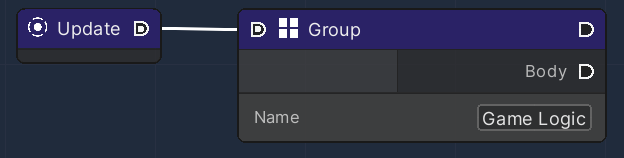
#### Update
If the script is active and enabled, Update is called every frame, once per frame.
It is the most commonly used function to implement any kind of game script, allowing the implementation of logic to be executed at runtime.
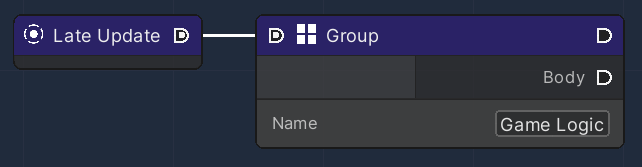
#### LateUpdate
Like Update, also LateUpdate is executed once per frame, but after all the nodes in Update have finished executing.
This is useful to give the execution flow and order. It is commonly used to handle animations and camera movements, because it tracks objects that might have moved inside Update.
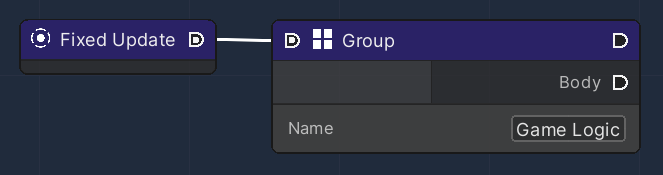
#### FixedUpdate
Similar to Update, FixedUpdate is a frame-rate independent node, called repeatedly based on a fixed frequency, given by the Unity3D Physics system.
This is crucial to handle calculations featuring Rigidbodies and Collisions.