> For the complete documentation index, see [llms.txt](https://docs.overthereality.ai/over-wiki/llms.txt). Markdown versions of documentation pages are available by appending `.md` to page URLs; this page is available as [Markdown](https://docs.overthereality.ai/over-wiki/web3-xr/over-xr-map.md).

# OVER XR Map

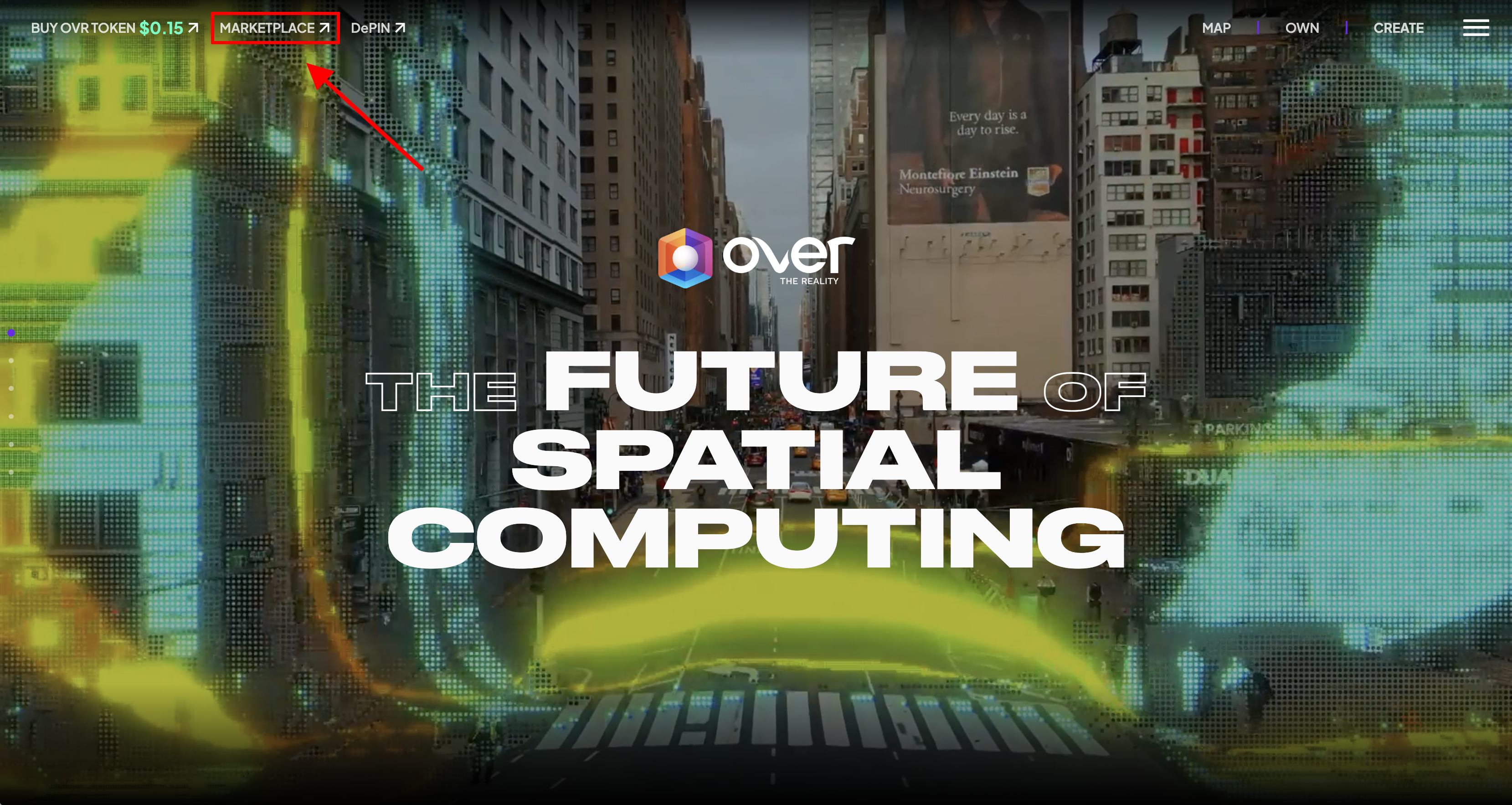
You can access the OVER XR Map directly via [this link](https://docs.overthereality.ai/over-wiki/web3-xr/www.marketplace.ovr.ai) or by heading to the [OVER website](https://docs.overthereality.ai/over-wiki/web3-xr/www.overthereality.ai) and clicking on the 'Enter App' button in the top nav bar and than clicking "XR".

<figure><img src="/files/aoMSsiTro0psAOANa81F" alt=""><figcaption></figcaption></figure>

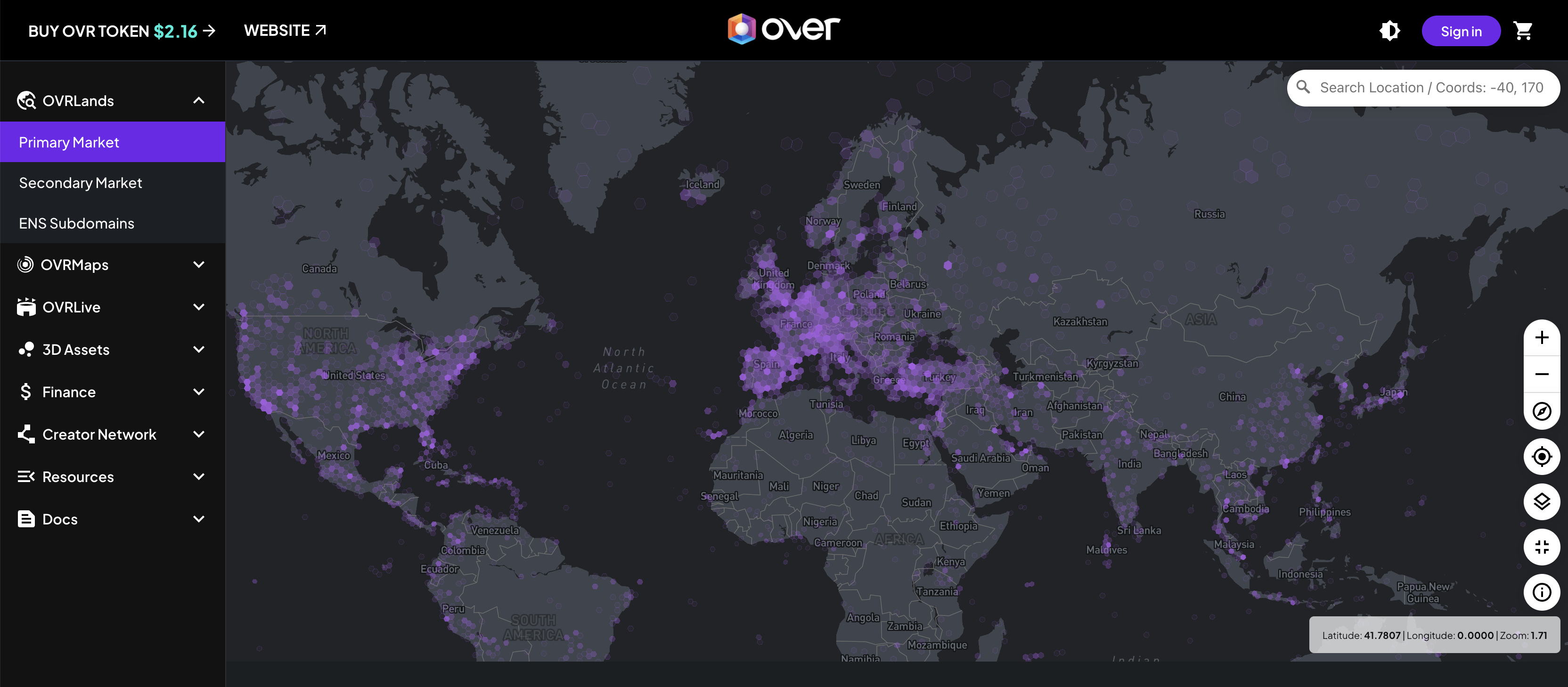
On the Marketplace, you'll see an interactive world map showing global clusters of OVRLands bought by community members. You can zoom in to see individual OVRLands in a specific area.&#x20;

<figure><img src="/files/zQh6c7BVdw6OkeqvuvMx" alt=""><figcaption></figcaption></figure>

In the bottom right corner, you will find an info ("i") button that displays the map label legend.

<figure><img src="/files/3QDCtm7wT4XjbjjrZUgI" alt=""><figcaption></figcaption></figure>

In addition to the Classic map view, there is the Satellite view. This provides users with a detailed and realistic representation of the landscape, enhancing the overall mapping experience and offering a different dimension of exploration.

<figure><img src="/files/1HYodxbbAKwBeGDCni4i" alt=""><figcaption></figcaption></figure>

By holding down the right mouse button and dragging, you can adjust the map's 3D view.
<figure><img src="/files/r1KX4mxDD2zrmGlEZk4f" alt=""><figcaption></figcaption></figure>


---

# Agent Instructions
This documentation is published with GitBook. GitBook is the documentation platform designed so that both humans and AI agents can read, navigate, and reason over technical content effectively. Learn more at gitbook.com.

## Querying This Documentation
If you need additional information that is not directly available in this page, you can query the documentation dynamically by asking a question.

Perform an HTTP GET request on the current page URL with the `ask` query parameter:

```
GET https://docs.overthereality.ai/over-wiki/web3-xr/over-xr-map.md?ask=<question>
```

The question should be specific, self-contained, and written in natural language.
The response will contain a direct answer to the question and relevant excerpts and sources from the documentation.

Use this mechanism when the answer is not explicitly present in the current page, you need clarification or additional context, or you want to retrieve related documentation sections.