> For the complete documentation index, see [llms.txt](https://docs.overthereality.ai/over-wiki/llms.txt). Markdown versions of documentation pages are available by appending `.md` to page URLs; this page is available as [Markdown](https://docs.overthereality.ai/over-wiki/own/ovrland-renting/how-to-accept-refuse-offer.md).
# How to accept/refuse offer
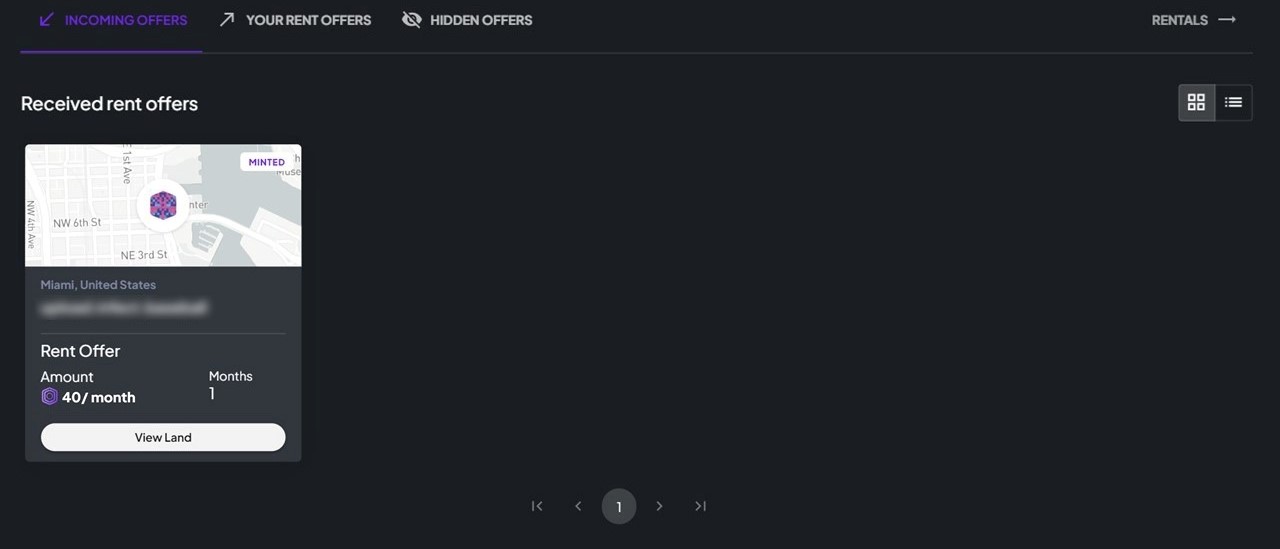
To review your rental offers, please visit [Renting Offers](https://marketplace.ovr.ai/offers/renting) and navigate to the "Incoming Offers" section. Here, you can access a list of lands with pending rental requests.
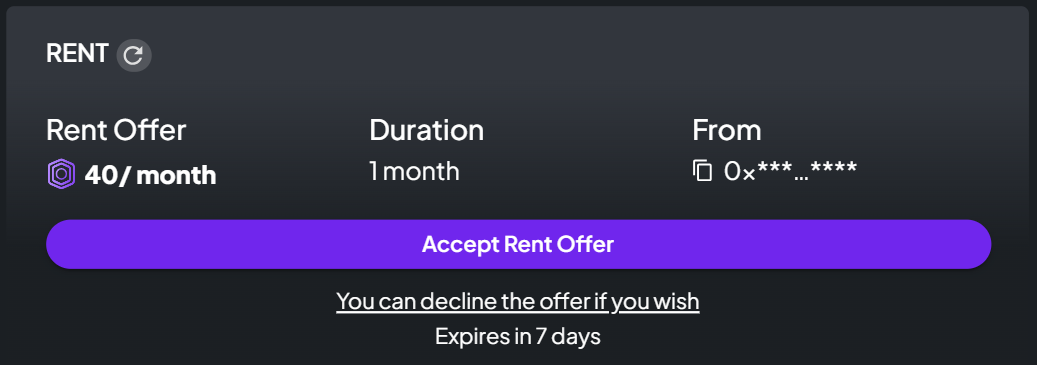
Take the opportunity to carefully examine each request and decide whether to accept or refuse the offer based on your preferences and criteria.
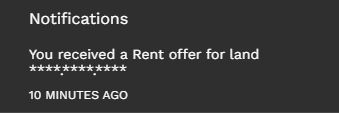
In addition to checking the rental offers manually on the platform, you'll receive timely notifications in your Notification Center whenever there's a new rental offer. Stay informed about incoming requests and manage your rental agreements efficiently through the Notification Center for a seamless experience.