> For the complete documentation index, see [llms.txt](https://docs.overthereality.ai/over-sdk-manual/llms.txt). Markdown versions of documentation pages are available by appending `.md` to page URLs; this page is available as [Markdown](https://docs.overthereality.ai/over-sdk-manual/ovr-component-system-ancient-legacy/nodes/utility/ovropenexternalurl.md).
# OvrOpenExternalUrl
Subclass of Ovr.OvrNode
### Description
This [OverNode](/over-sdk-manual/over-visual-scripting-legacy/visual-scripting-essentials/overnode.md) is used to allow users to open URL to external resources, such as for example web pages.
#### Attributes
{% hint style="info" %}
**Note**: the following attributes are added to the existing ones from the super class [OvrNode](/over-sdk-manual/ovr-component-system-ancient-legacy/nodes/ovrnode.md)
{% endhint %}
Name
Type
Description
Url
String
Url pointing to a specific resource.
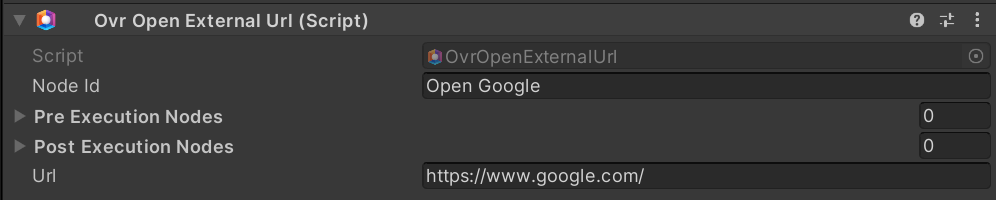
Example of OvrOpenExternalUrl, set to open the Google main page.